Lesson Planning
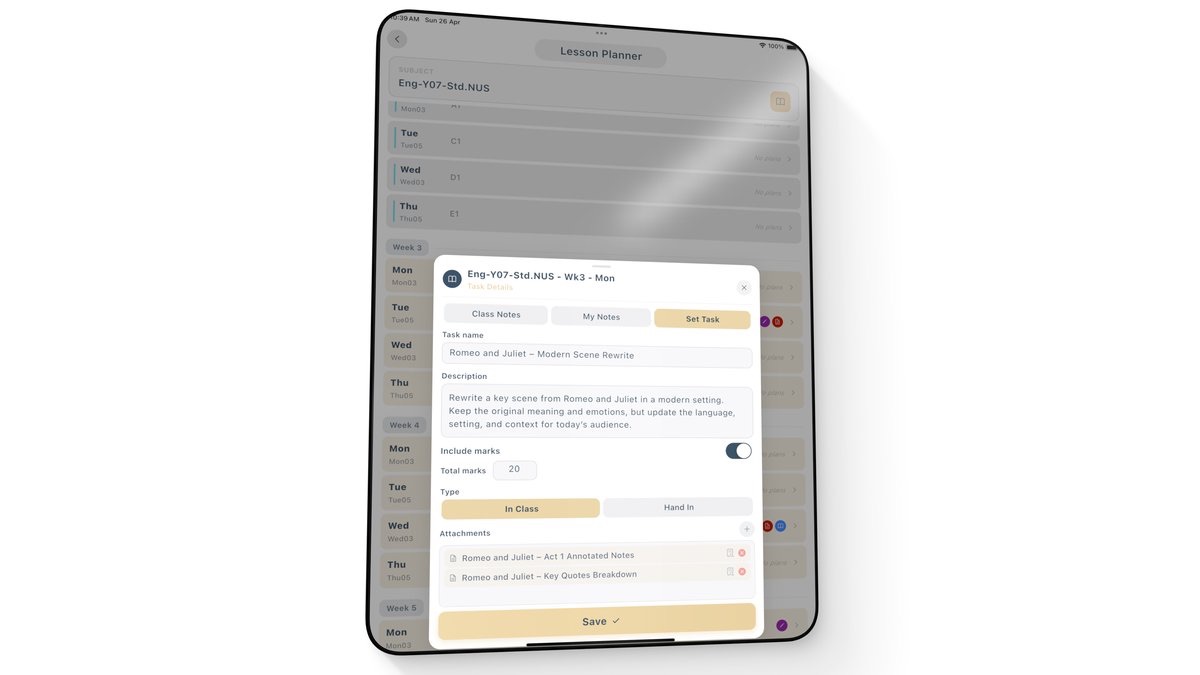
Map out the term, create lessons, add tasks, keep teaching notes and bring every resource together around your timetable.
Snapshot for Teachers
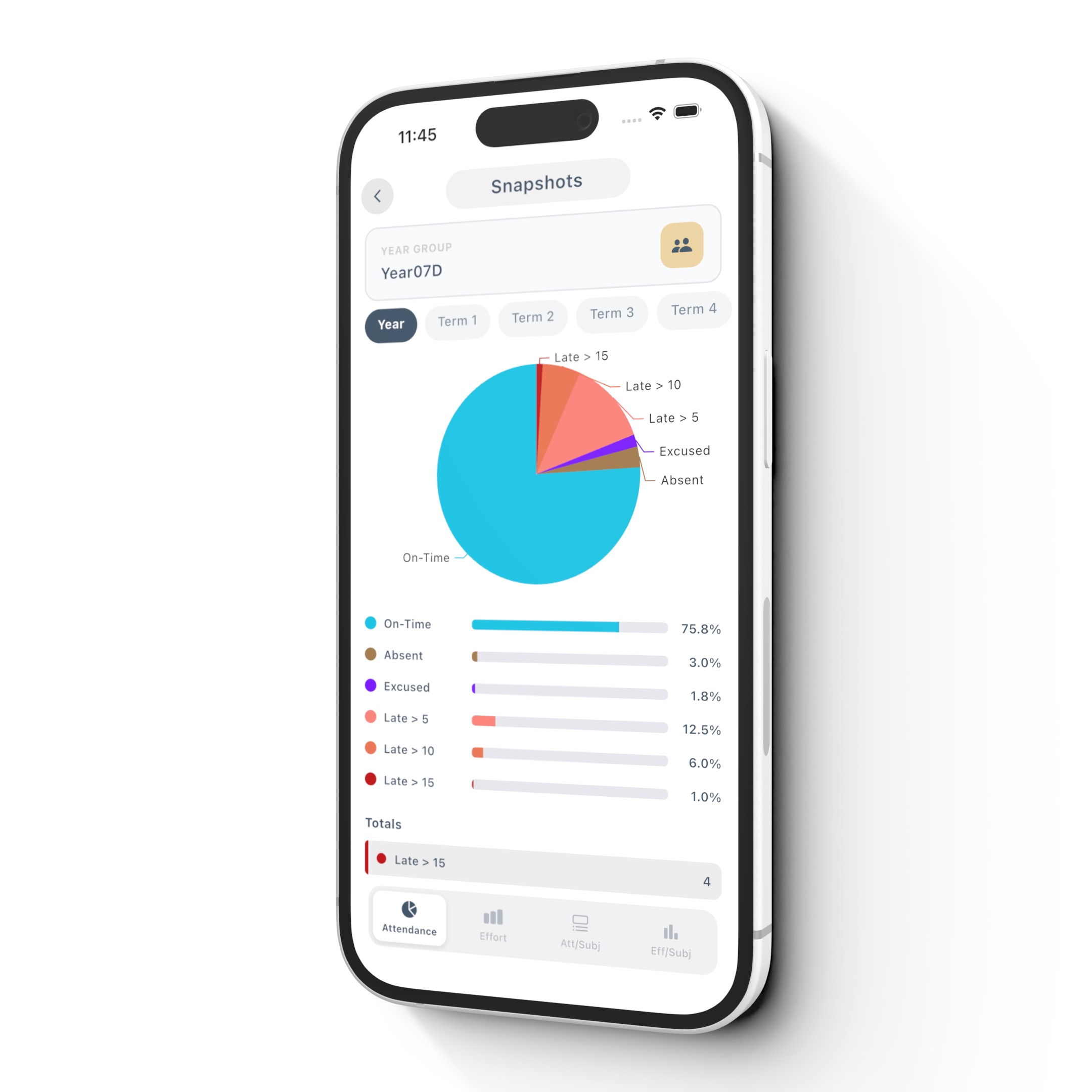
Plan lessons, organise resources, mark work and understand student progress in one connected workspace — free for individual teachers.
The tools teachers use every day, connected around their timetable. No student app, school rollout or system replacement required.
Map out the term, create lessons, add tasks, keep teaching notes and bring every resource together around your timetable.
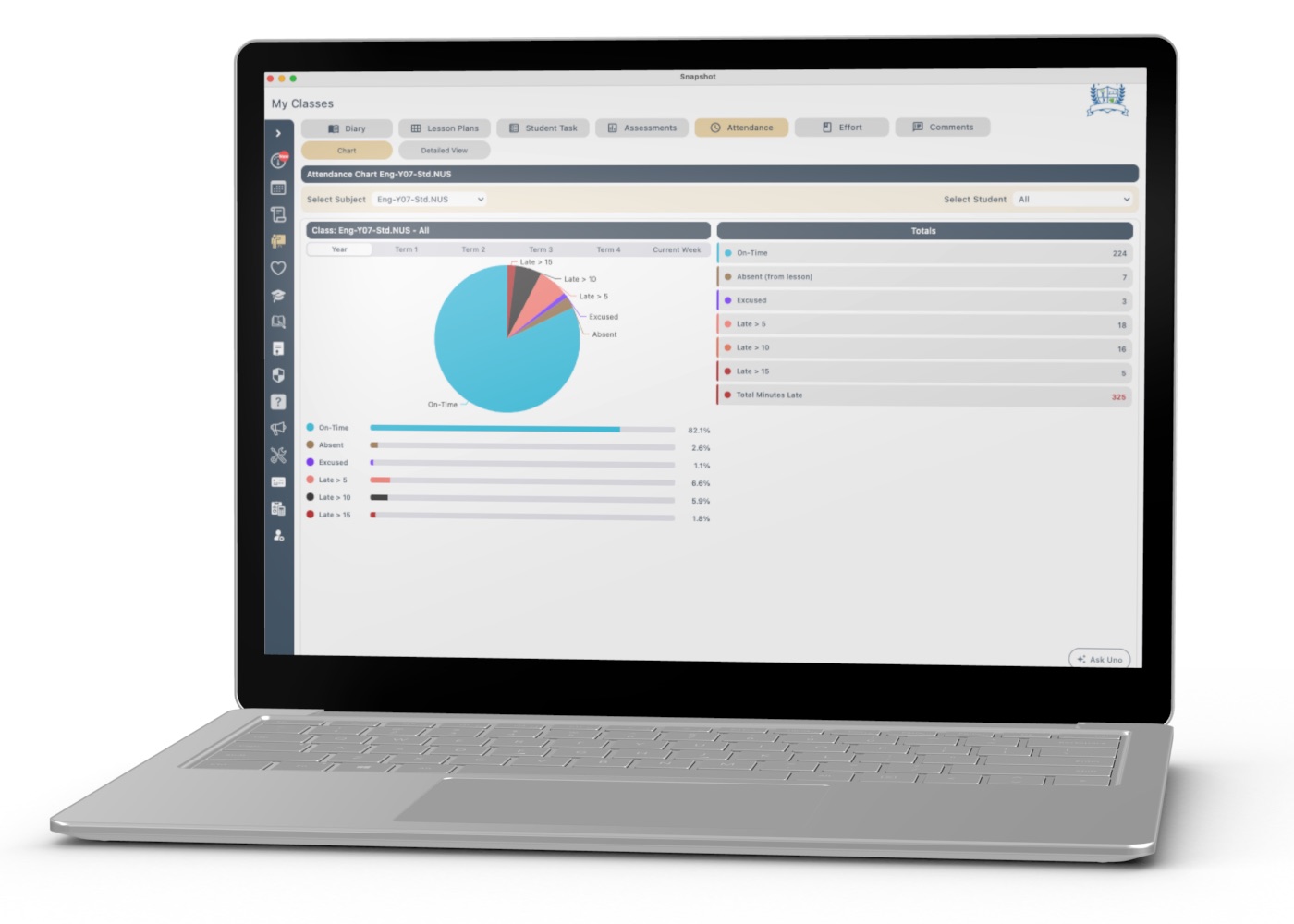
Keep resources, marking, lesson updates and student insights together so less of your day disappears between disconnected tools.
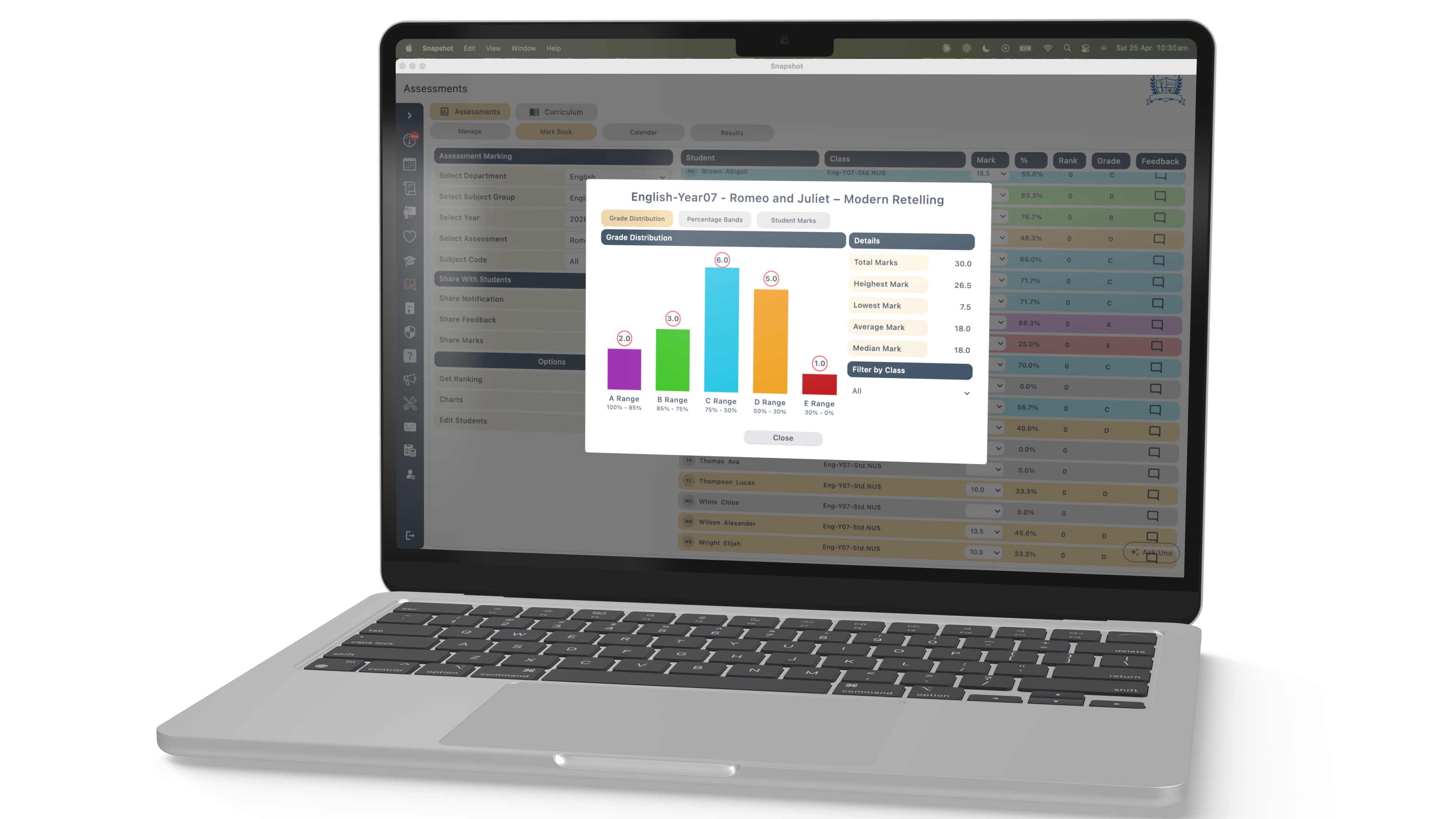
Create assessments, mark digitally, record feedback and turn results into clear charts that reveal patterns at a glance.
Four simple steps take you from creating an account to planning lessons, understanding student progress and marking work in Snapshot.
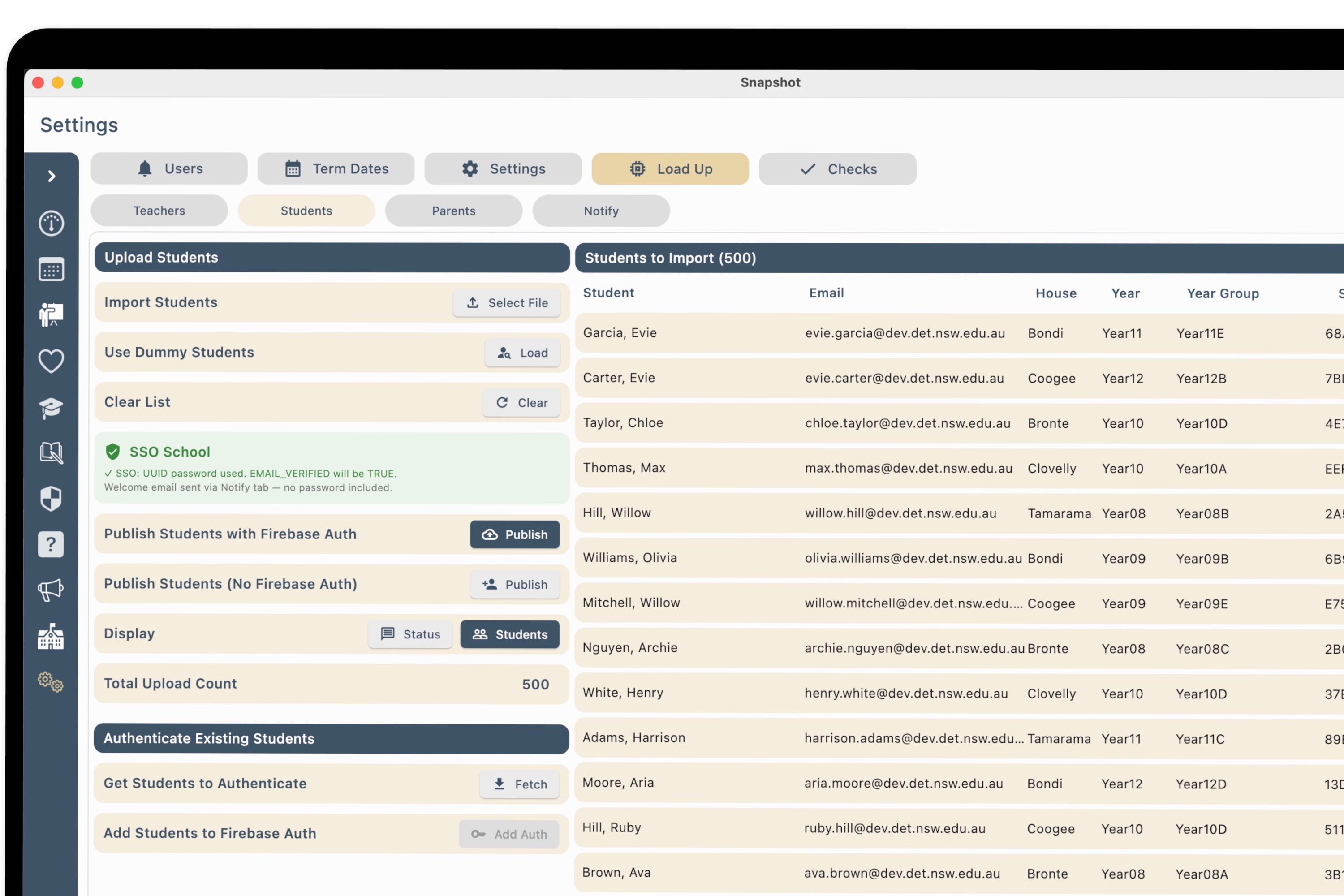
Step 1
Create your free account in the app or web browser. Use whichever device works best for you.
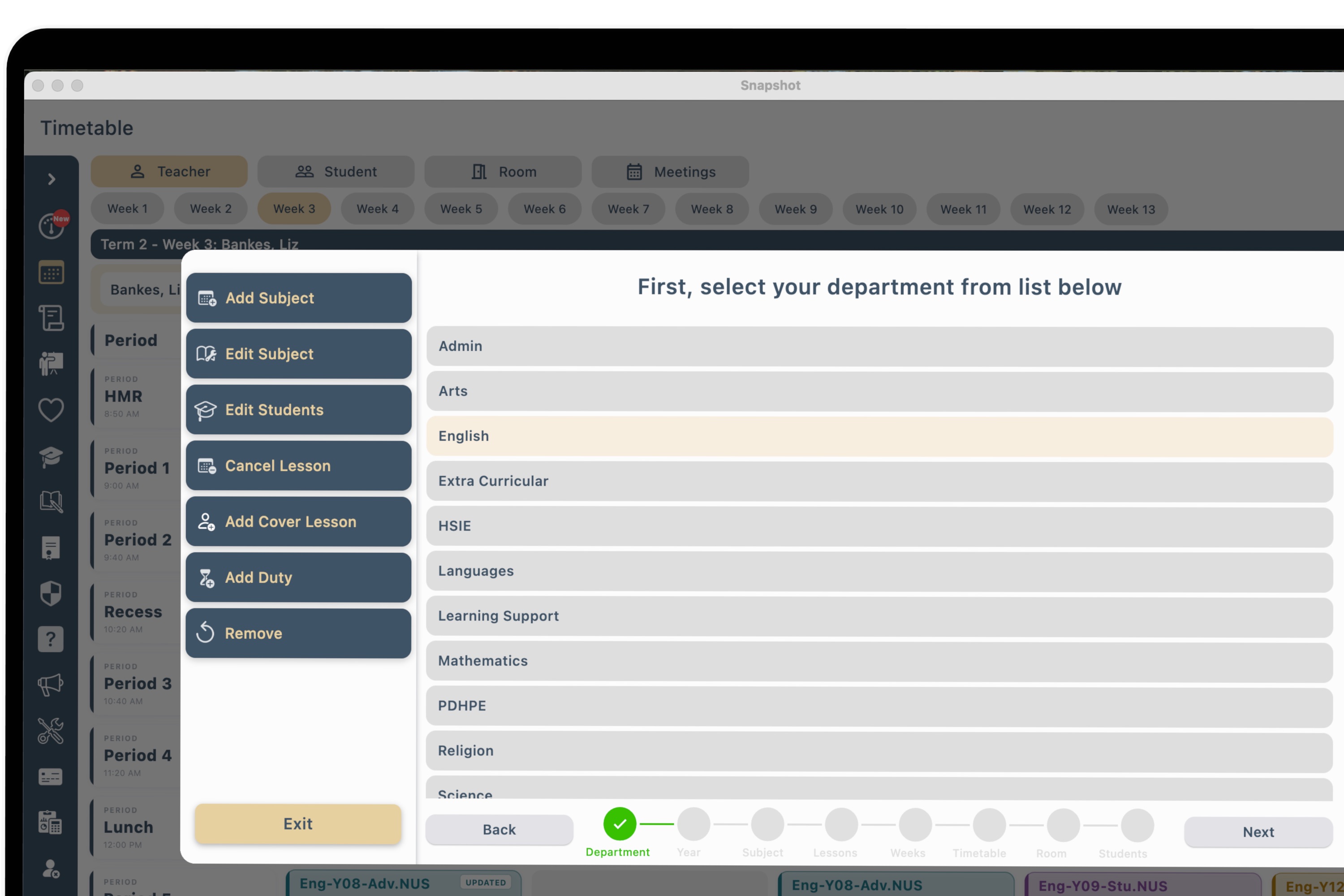
Step 2
Add your subjects, then place each lesson into your timetable with a simple guided setup.
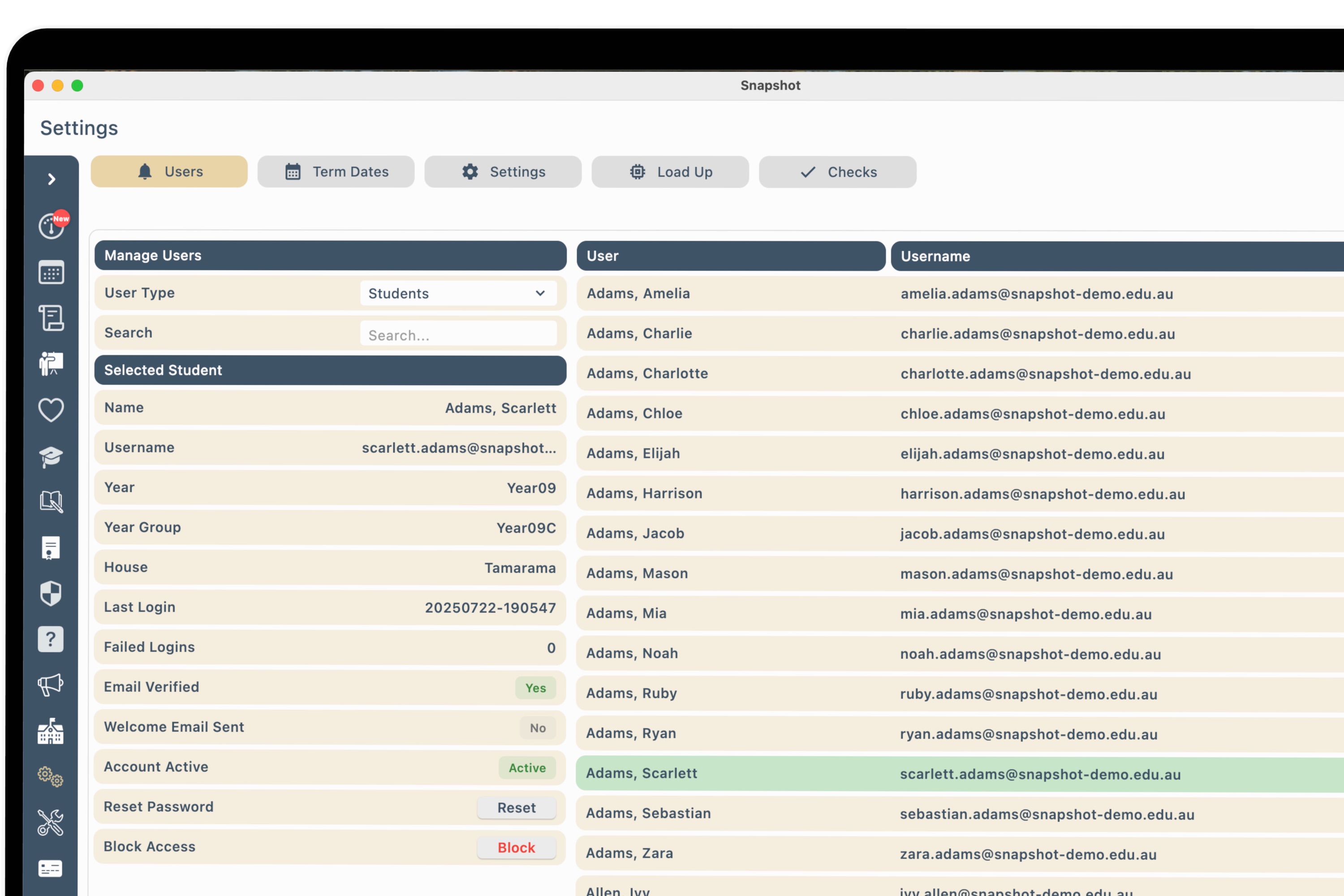
Step 3
Upload a basic class list or type in student names directly — whichever is easier.
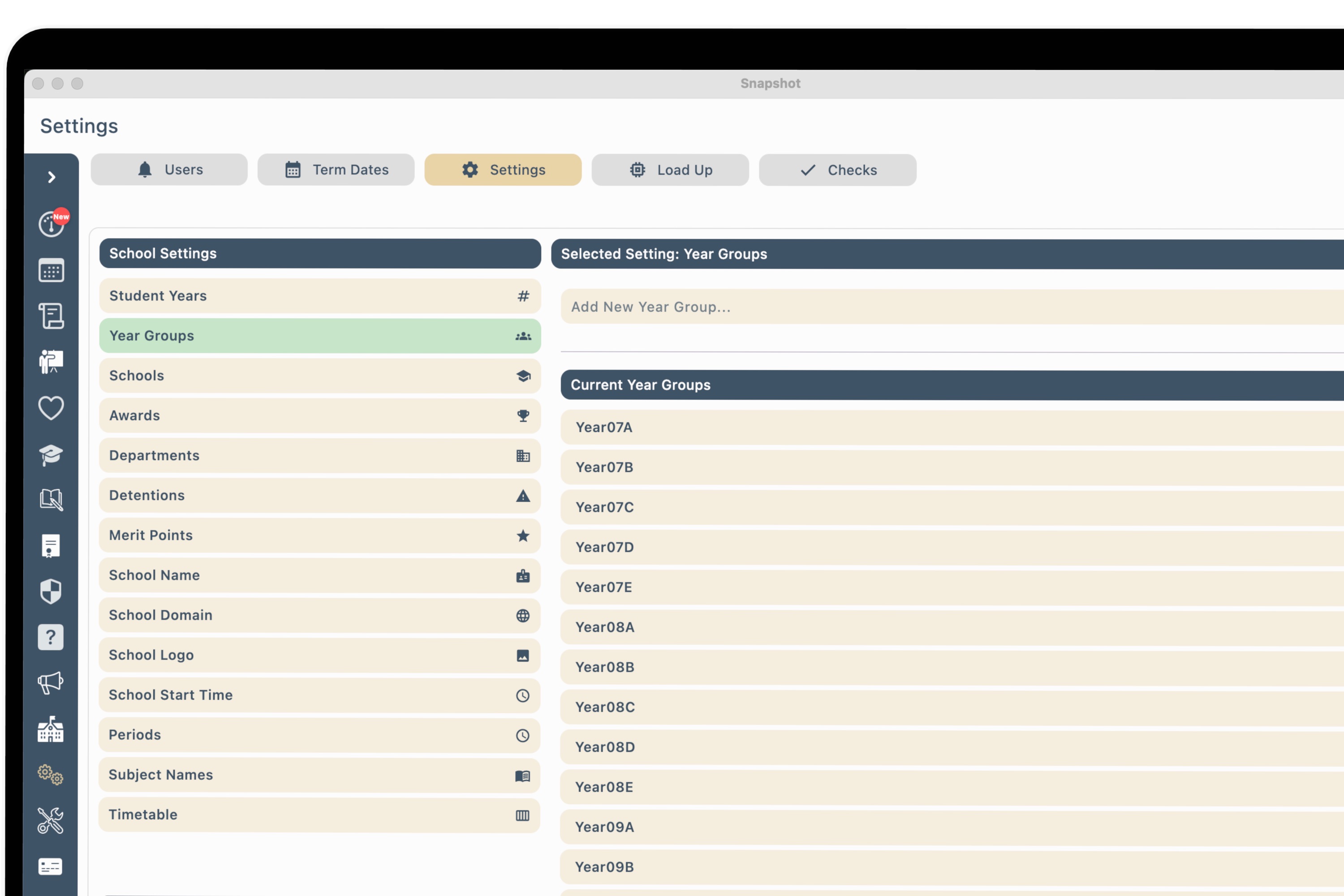
Step 4
Start planning lessons, understanding student progress and using Snapshot’s marking tools.

Free for individual teachers
Snapshot for Teachers is a practical workspace for planning, organising and understanding your classes — without waiting for a whole-school technology project. Set up your timetable once and let Snapshot connect the work around it.
Free to start. No credit card. No school sign-off.
Get instant access